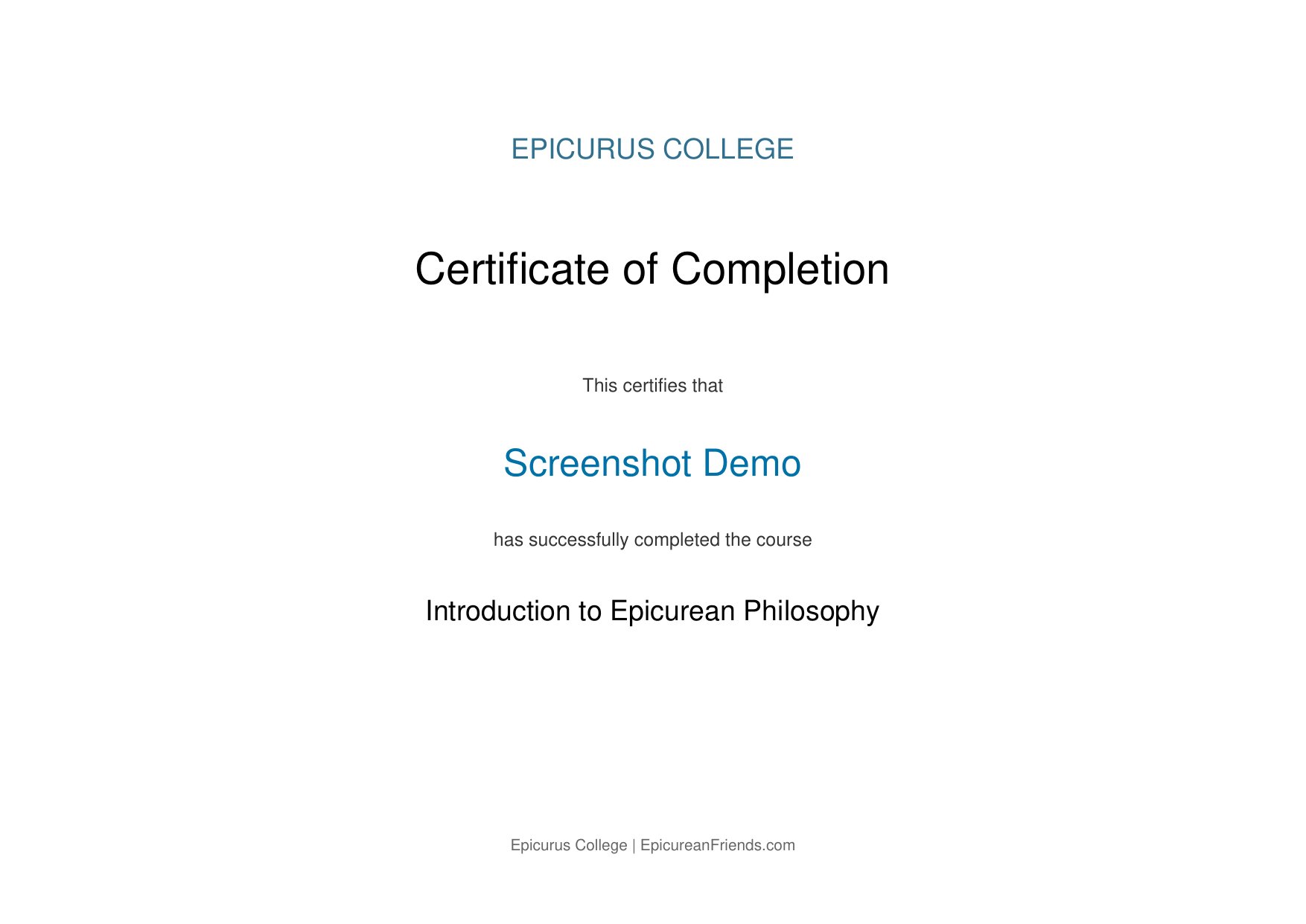
This page walks through every stage of taking a course at Epicurus College, from creating an account to earning your certificate of completion, with real screenshots of each screen you'll see along the way. If you haven't already, you may want to start by reading the short overview on the front page – this page goes into much more depth and shows you exactly what to expect.
What's covered on this page
1Creating Your Account
From the Epicurus College front page, click Log in in the top right corner, then look for "Create new account" on the login page. You'll be asked for:
- A username and password of your choosing
- Your email address (used only for login and course notifications)
- Your first and last name
After you submit the form, Epicurus College sends a confirmation email to the address you provided. Click the confirmation link in that email to activate your account – this simply verifies that the email address is real and belongs to you. Once confirmed, you're ready to log in.
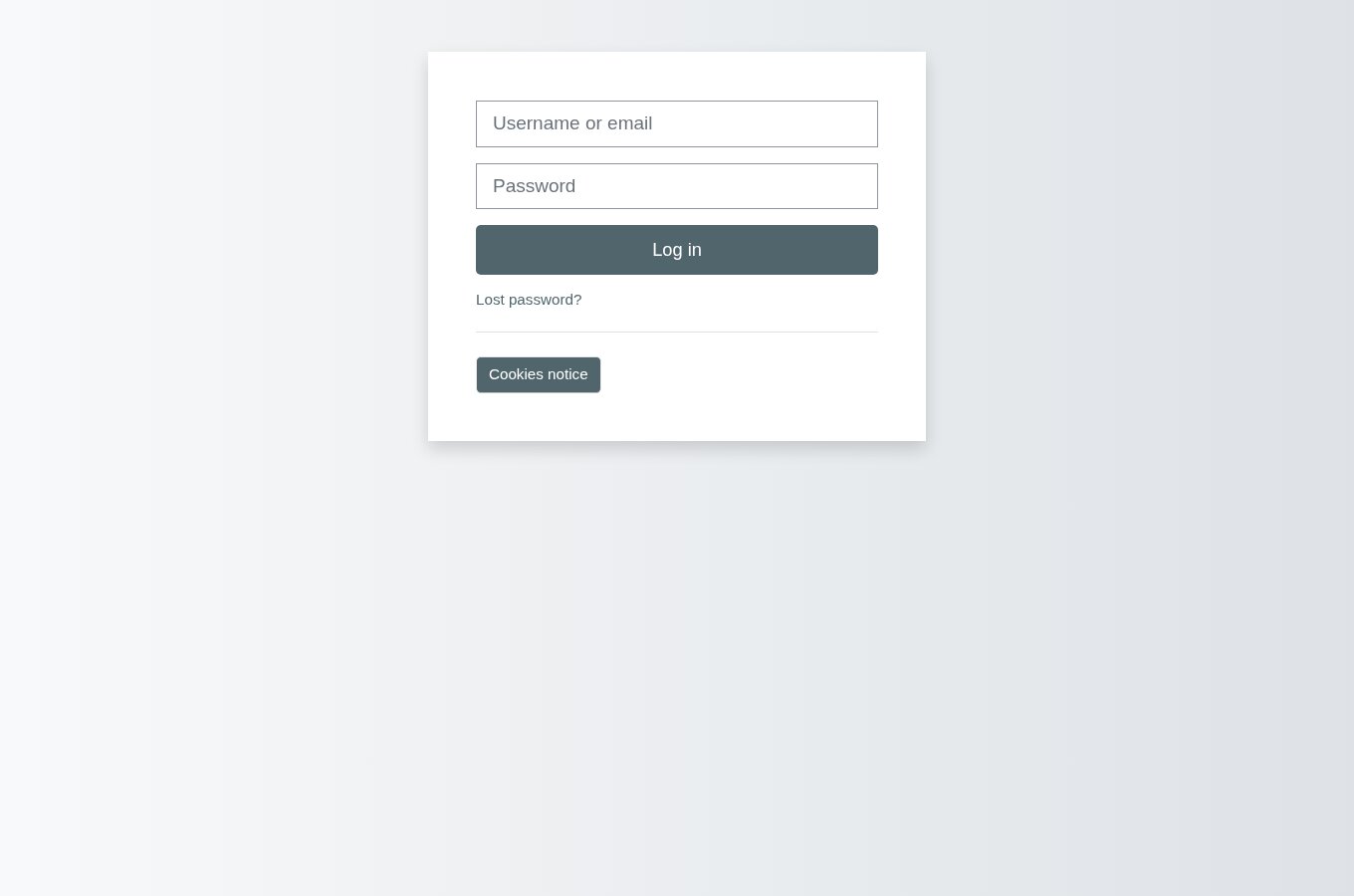
2Logging In
Once your account is confirmed, log in from the front page at any time using your username and password. You'll stay logged in across visits (on the same device/browser) until you explicitly log out.
3Your Course Page – The Session List
After logging in, go to Introduction to Epicurean Philosophy (from the front page, or from "My courses" in the navigation menu). This is your course page: a list of sessions, each containing a Book to read, a self-test Lesson, and a graded Quiz. You can also see your course-wide Announcements, Important Dates, and a Course FAQ here.
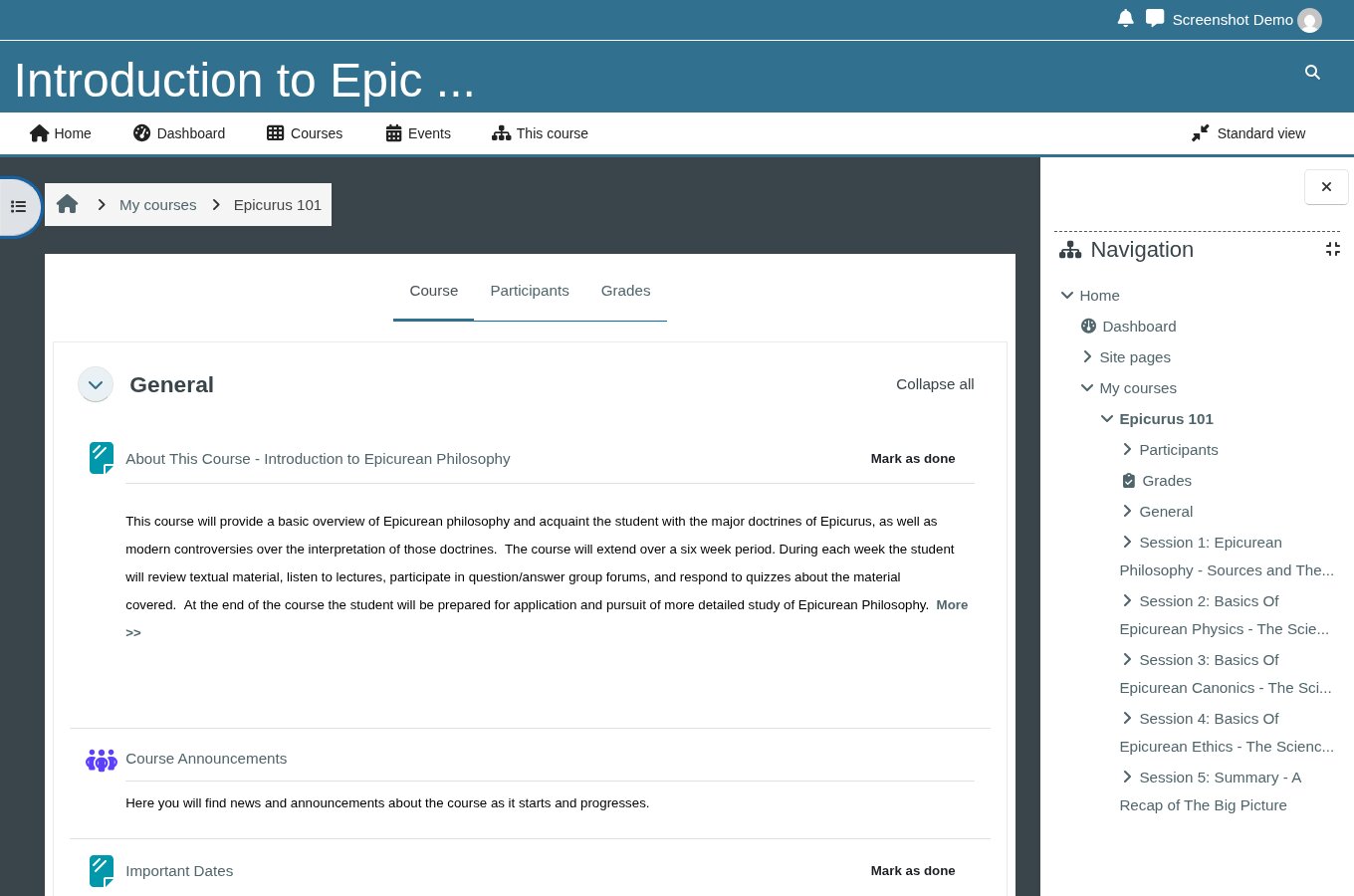
You do not have to complete sessions in a single sitting, and you can always come back to this page to see exactly where you left off.
4Step 1: Read – The Session Book
Each session begins with a Book – the actual reading material for that session. This is where the real content lives: the arguments, the historical background, and direct quotations from Epicurus and other ancient sources, organized into short chapters you can page through.
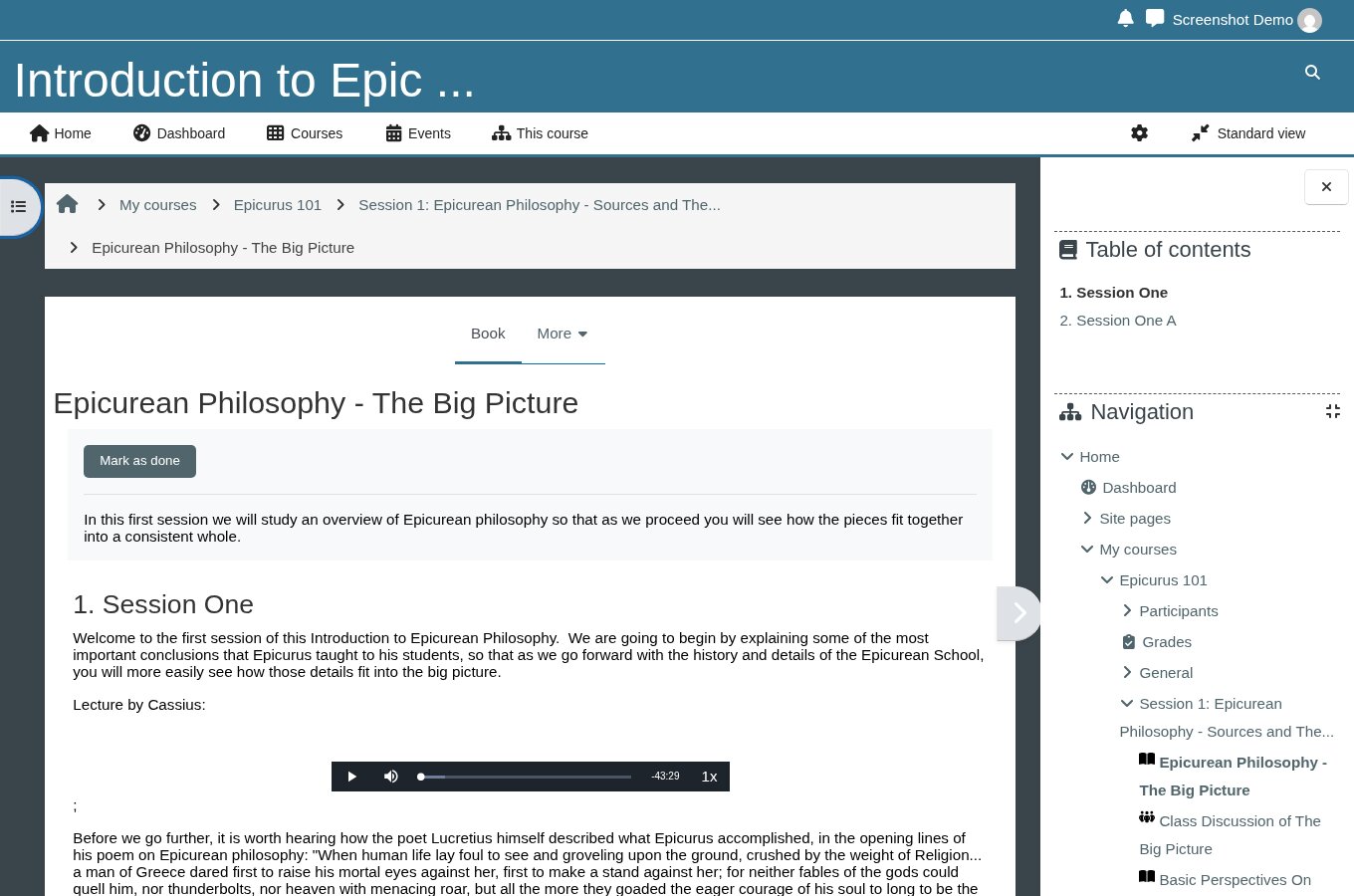
Take your time here. There's no reading deadline, and the self-test and quiz that follow are both based directly on this material.
5Step 2: Practice – The Self-Test Lesson
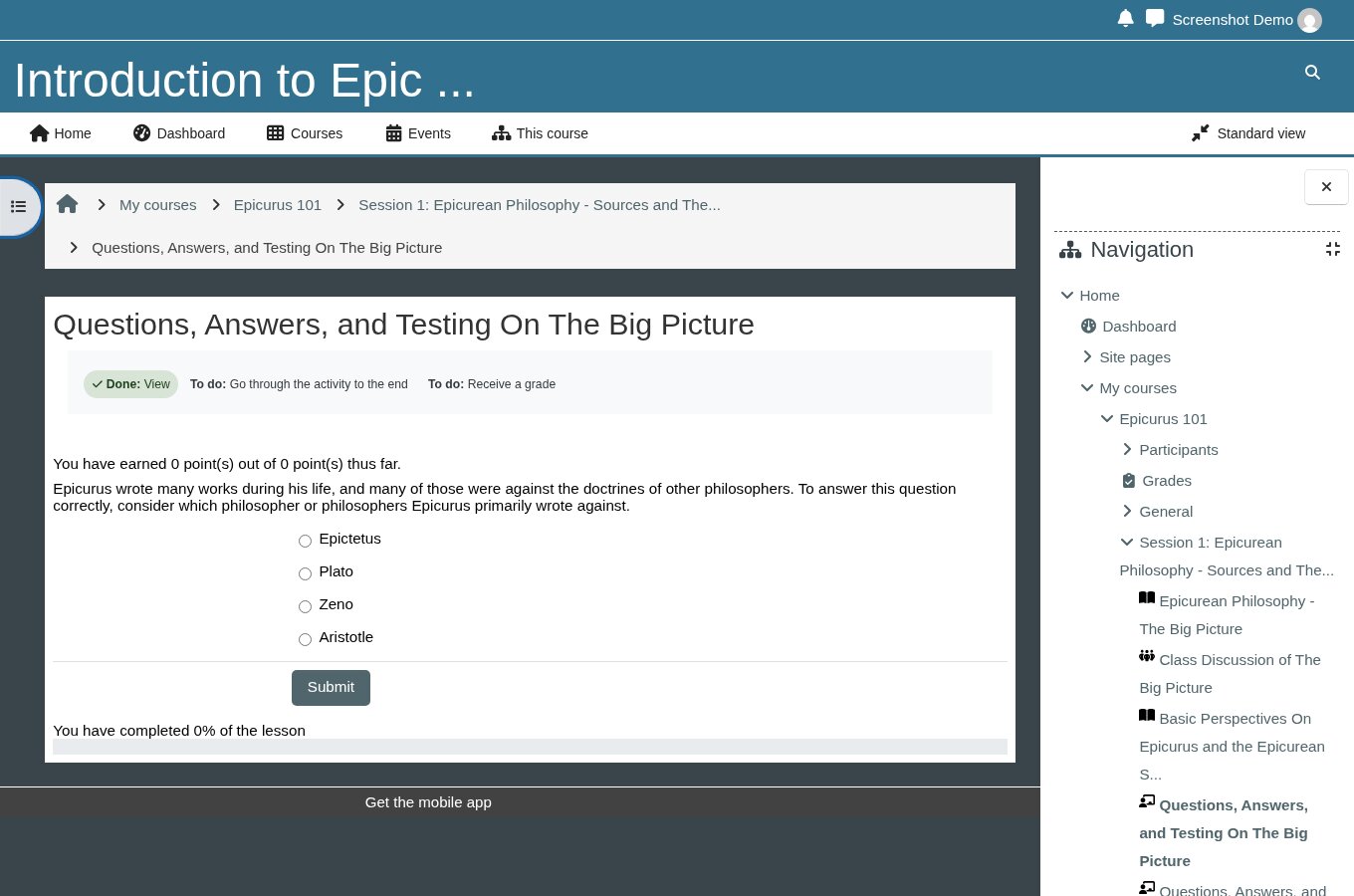
Once you've read a session's Book, work through its self-test Lesson. This presents a series of multiple-choice questions, one at a time, with detailed feedback after every answer – not just "correct" or "incorrect," but an explanation of why. It is not graded, there is no time limit, and you can go through it as many times as you like.
6Step 3: Test – The Graded Quiz
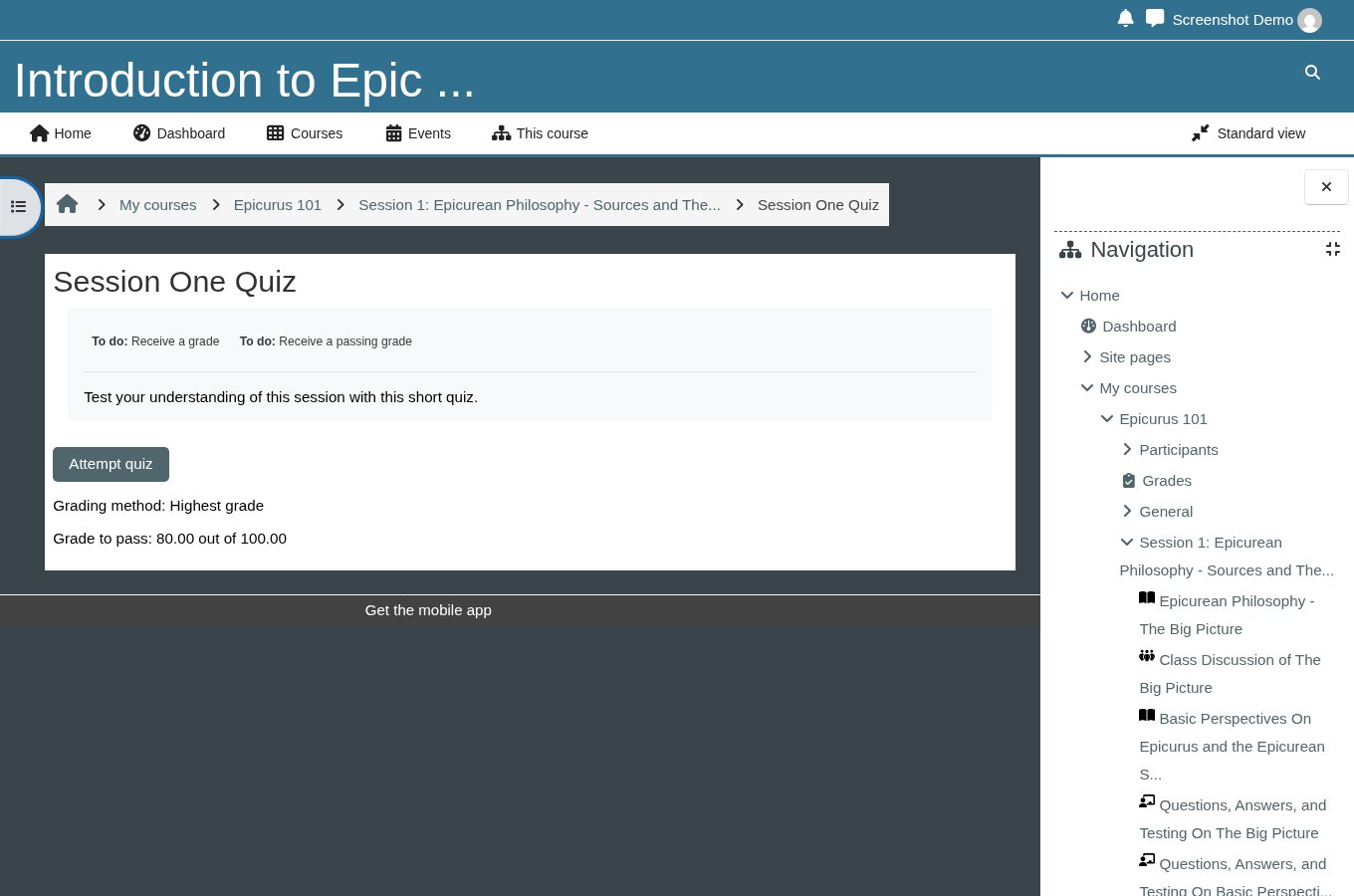
Once you feel ready, take the session's graded Quiz. This is a shorter, formal check of your understanding. Each quiz shows you the pass mark before you begin:
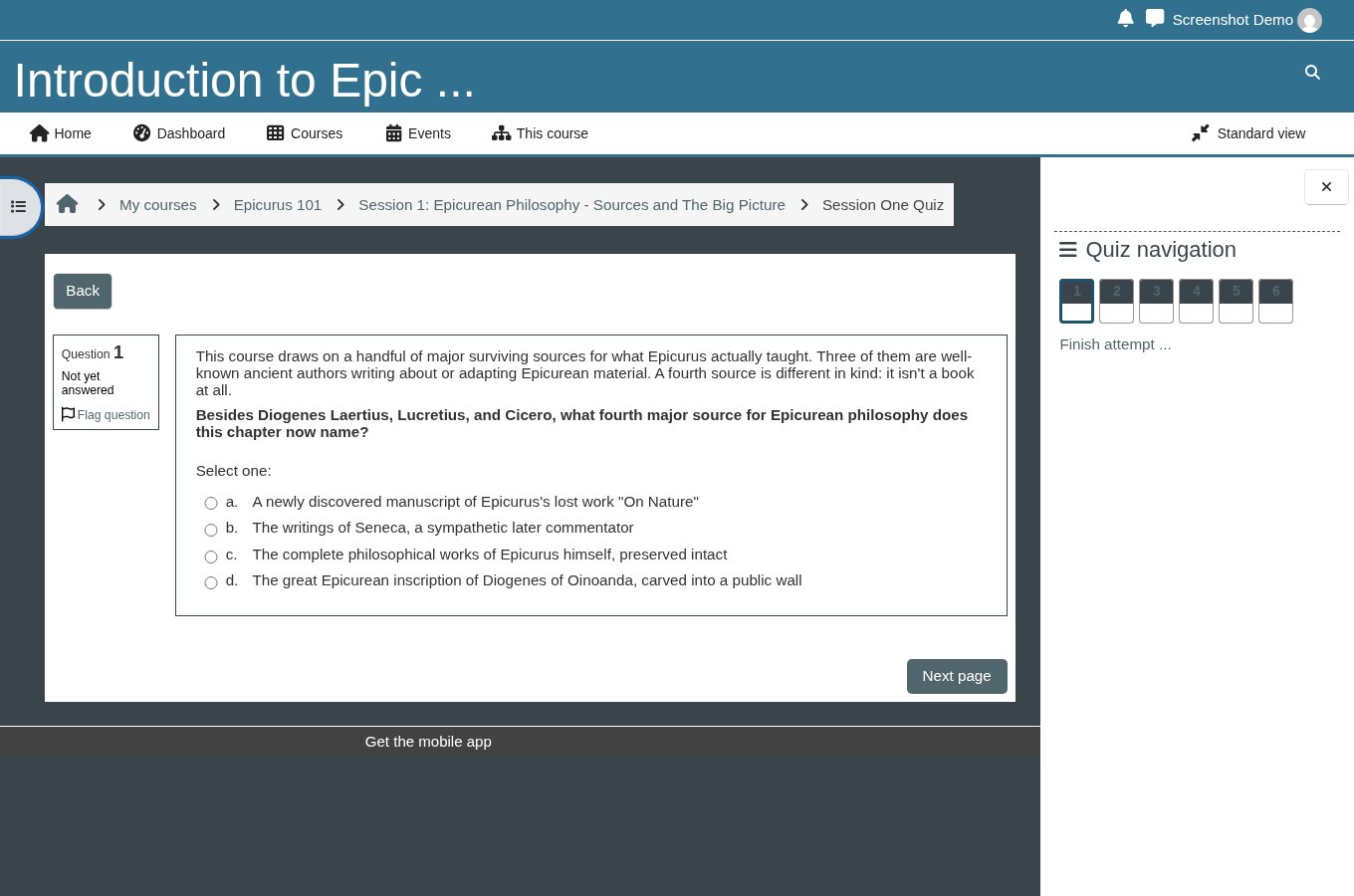
Questions are presented one at a time, with a navigation panel showing your progress:
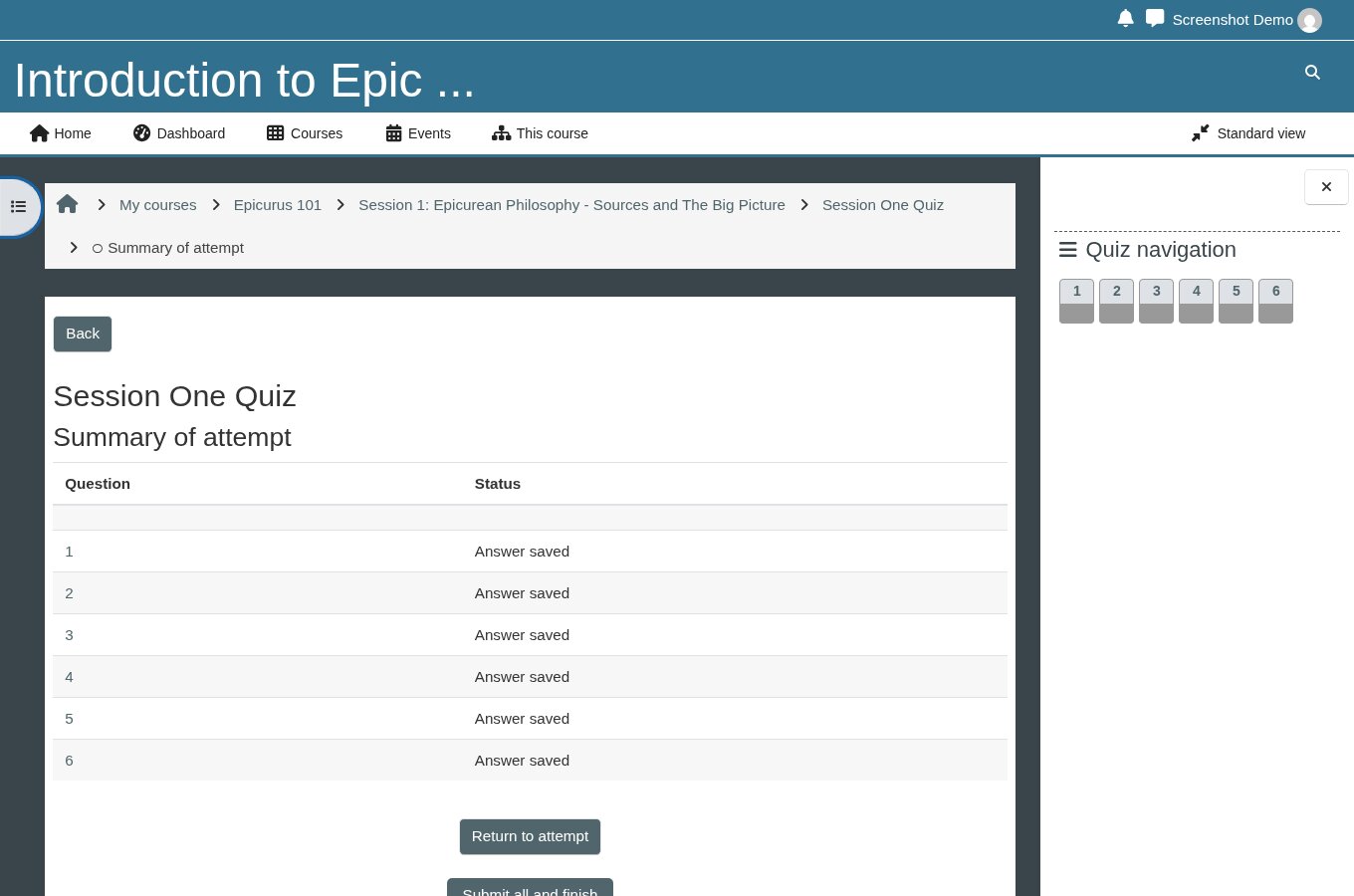
Before your final submission, you'll see a summary screen listing every question and whether it's been answered, so you can go back and check anything you're unsure of:
You need a score of 80% or better to pass. If you don't pass on your first attempt, you're welcome to review the material and try again – there's no penalty for retaking a quiz.
7Tracking Your Progress
At any time, click Grades from your course page to see a full breakdown of every lesson and quiz, your scores, and what's still outstanding.
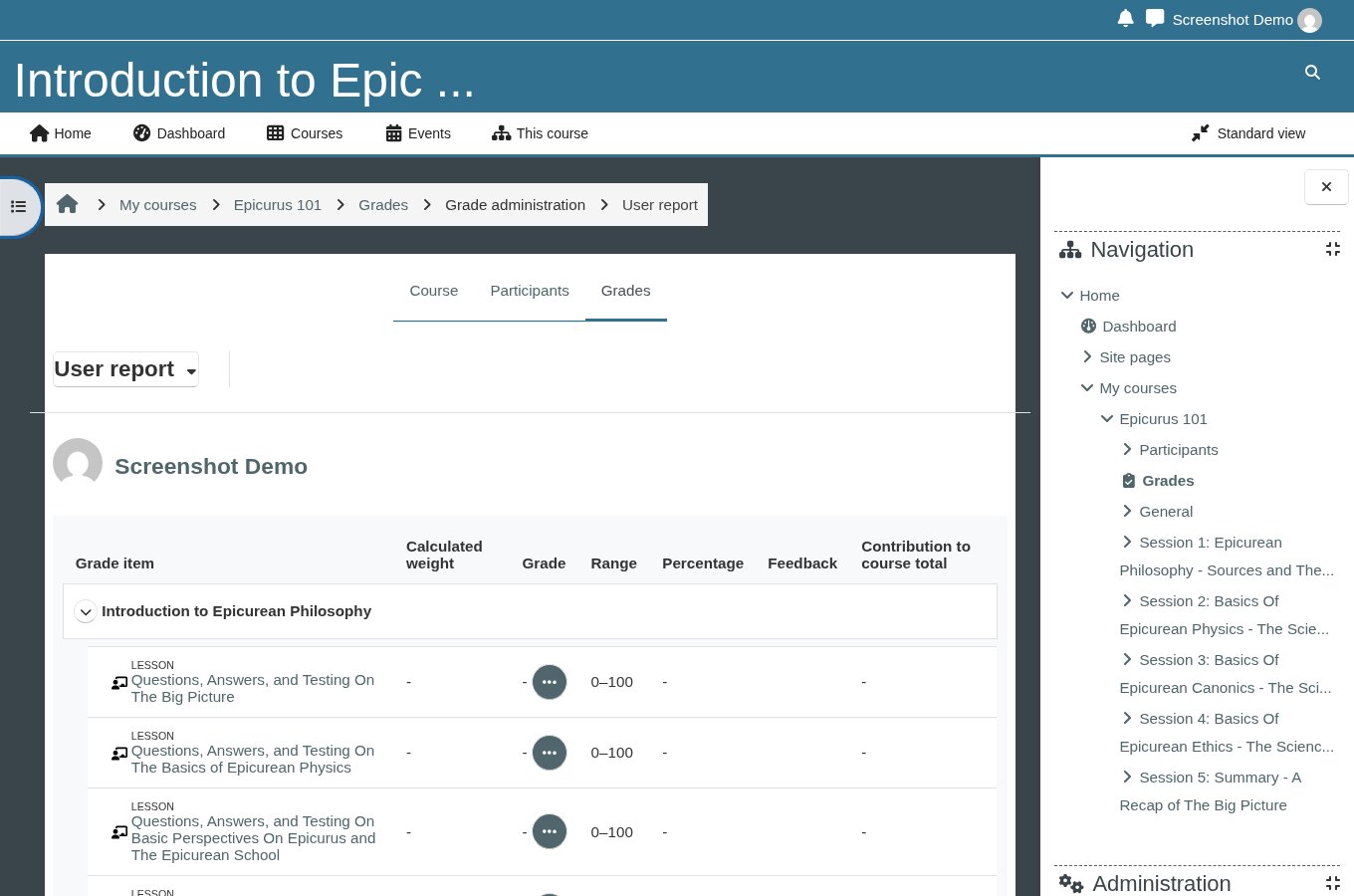
What You Need To Complete To Earn Your Certificate
Epicurus College tracks your progress automatically. To unlock your certificate of completion for a course, you must:
- Reach the end of every session's self-test Lesson (all 6 for the Introduction course)
- Score 80% or higher on every session's graded Quiz (all 6 for the Introduction course)
There's no requirement to finish within any particular time frame, and you may retake any quiz as many times as you need to reach 80%. Once every lesson and quiz shows as complete, the certificate activity on your course page unlocks automatically – there's nothing extra to request or apply for.
8Your Certificate of Completion
Once you've met the requirements above, a Certificate of Completion becomes available on your course page. It's generated with your name and the course title, and you can view or download it as a PDF at any time afterward.